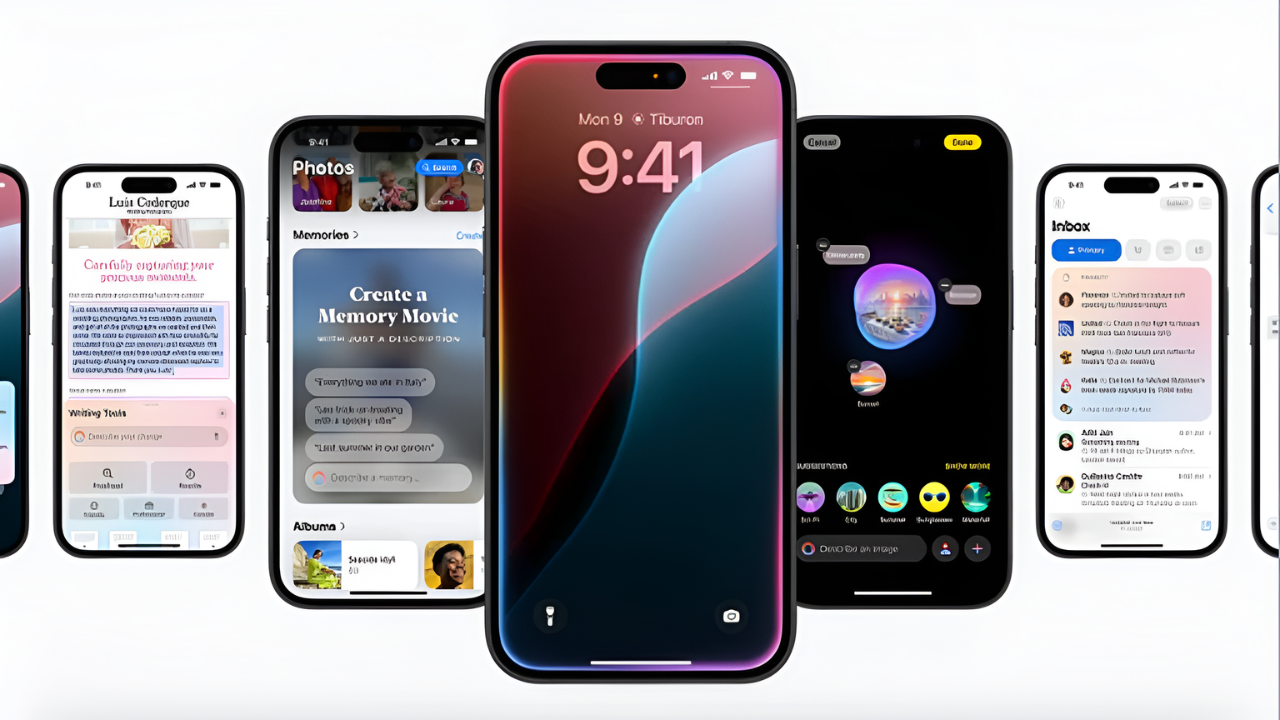
Apple introduced Apple Intelligence with iOS 18, allowing Siri to tap into ChatGPT for smarter and more accurate responses. Unfortunately, this feature is limited to the iPhone 15 Pro and newer devices. If you’re using an older iPhone that still runs iOS 18, you won’t officially get this feature. However, there are a couple of workarounds that let you access ChatGPT through Siri. Keep in mind that these methods don’t match Apple’s privacy and security standards, so proceed at your own risk.
Method 1: Use the ChatGPT App
The simplest way is by using the official ChatGPT app.

- Download and install the ChatGPT app from the App Store.
- Sign in with your OpenAI account.
- Ask Siri a question starting with “Ask ChatGPT”.
When triggered, Siri will forward your query to the ChatGPT app and display the response in Siri’s interface. While this works most of the time, Siri may sometimes attempt to answer the question itself instead of handing it over to ChatGPT.

Method 2: Use the OpenAI API with Siri Shortcuts
For a more integrated experience, you can use the OpenAI API through a custom Siri Shortcut.

- Get a pre-built Siri Shortcut designed to connect with ChatGPT.
- Add your OpenAI API key to the shortcut.
- Activate it by calling Siri and running the shortcut with your query.
This method ensures smoother responses but comes with usage costs since the OpenAI API isn’t free. Charges depend on the number of requests you make.

Conclusion
Even without Apple Intelligence, older iPhones can still enjoy AI-powered Siri experiences using the ChatGPT app or API shortcuts. These methods bridge the gap, letting you combine Siri’s convenience with ChatGPT’s intelligence.